Typing "how to download GTA Mzansi on Chrome" usually means one thing: you're on your phone, Chrome is your browser, and you want the APK on your device without the download getting blocked or bricked halfway through. It's not about running GTA Mzansi inside a browser tab - that's not how this works, and anyone promising a browser-playable version is selling you something that doesn't exist.
Here's the short version: Chrome is just the app fetching the file. The actual install happens after the download finishes, and Chrome's own security behavior is usually what trips people up along the way.
What "Download on Chrome" Actually Means
GTA Mzansi is an Android APK plus an OBB data file, not a Chrome extension or a cloud-streamed game. When people search for this, they're almost always on an Android phone, using Chrome to open a download link, and running into one of two things: a countdown timer before the actual download button appears, or a warning screen from Chrome itself once the file starts downloading. Neither of those is unique to GTA Mzansi - they're standard behavior you'll hit downloading any APK from outside the Play Store.
It's worth noting why this exact phrasing is so common in the first place. Most South African players are on Android, and Chrome ships as the default browser on the overwhelming majority of those phones. So "how do I download this on my phone" naturally becomes "how do I download this on Chrome" in people's heads, since Chrome is the only browser most players have ever used to get a file. It's not really a Chrome-specific question so much as it's how mobile-first users describe downloading anything.
Why Chrome Warns You About the File
This part is worth understanding properly, because it's not a GTA Mzansi problem, it's a Chrome and Android Safe Browsing feature. Any APK that isn't distributed through the Play Store gets flagged the same way: "this type of file can harm your device" or "file not commonly downloaded." That's Google's blanket warning for unknown-source installers, not a signal that this specific file is dangerous.
Google Play Protect adds a second layer on top of this. Even after you install an APK from outside the Play Store, Play Protect will often scan it in the background and may show a follow-up notification calling it unrecognised. That's normal for any sideloaded app - it's a generic scan result, not evidence of a problem with GTA Mzansi specifically.
The decision that actually matters isn't whether to dismiss the warning - it's whether you trust the source you downloaded from in the first place. If you got the file from a verified, direct source with the version number and file size stated up front, dismissing Chrome's generic warning to proceed with install is a normal step. If you got it from a site that made you sit through five ad redirects and a countdown timer first, that same warning deserves more weight, because you've got less reason to trust what's actually in the file.
Practically, here's what the flow looks like on a typical Android phone:
- Tap the download link in Chrome. If there's a timer before the button appears, that's the site's ad monetisation, not a security step - same pattern as the password and verification walls we've covered before.
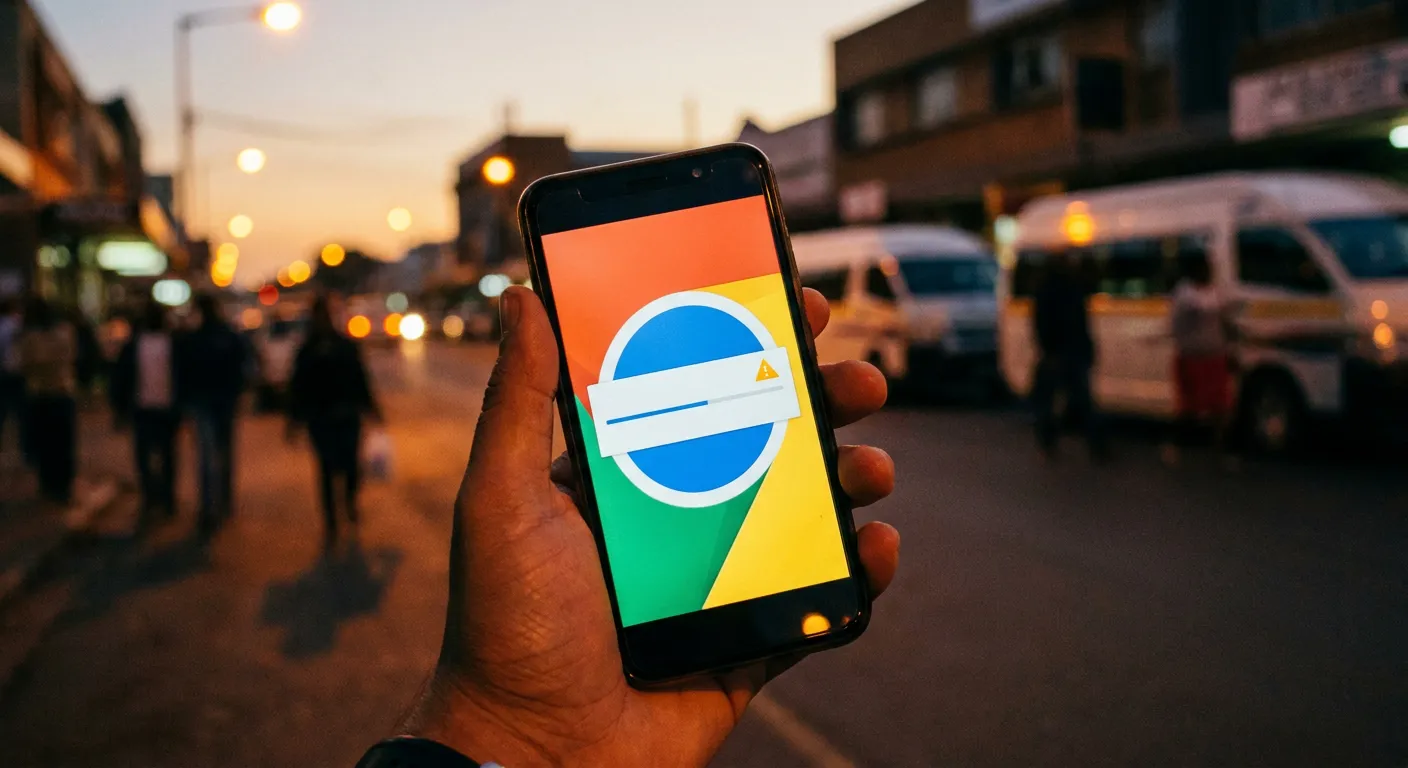
- Chrome may show a banner saying the file "isn't commonly downloaded." Tap the three-dot menu next to the download and choose to keep it, if you trust the source.
- Once downloaded, open it from Chrome's download tray or your Files app.
- You'll hit Android's own "Install unknown apps" permission screen if you haven't enabled it for Chrome yet - that's a separate, standard Android setting, not something GTA Mzansi requires specifically.
- Install the APK, then place the OBB in
Android/obb/com.rockstargames.gtasa/before launching.
Enabling "Install Unknown Apps" for Chrome, Step by Step
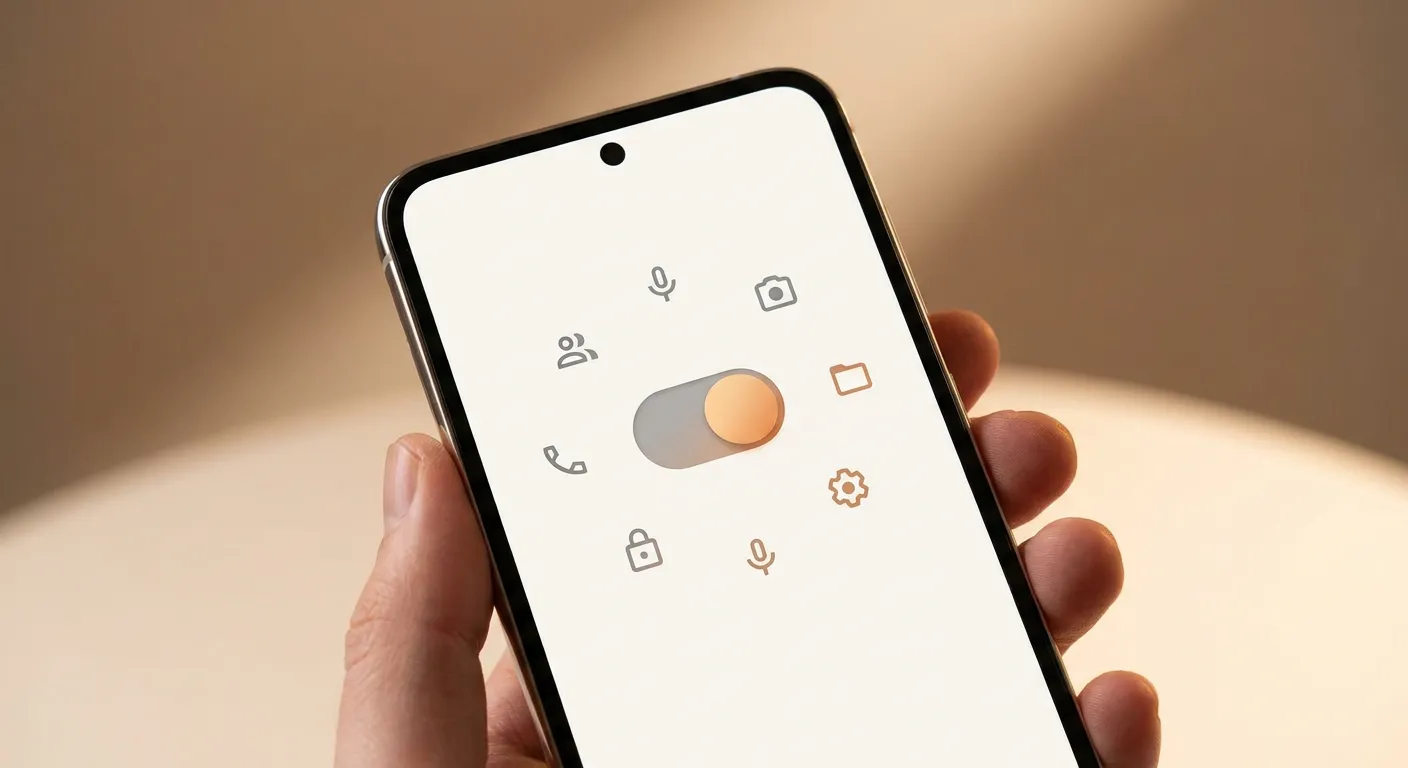
If this is your first time sideloading an APK, Android blocks Chrome from installing anything outside the Play Store until you explicitly allow it. The setting lives in a predictable place across most Android versions:
- Open Settings on your phone, then go to Apps (sometimes listed as "Apps & notifications").
- Find and tap Chrome in the app list.
- Look for "Install unknown apps" (on some phones this is under a submenu called "Advanced" or "Special app access").
- Toggle "Allow from this source" on for Chrome.
Once that's on, Chrome will let the GTA Mzansi APK proceed to the install screen instead of refusing outright. You only need to do this once - it stays enabled for future downloads unless you turn it off again. If your phone's menu wording doesn't match exactly, searching your device model plus "install unknown apps setting" will get you to the right screen fast, since manufacturer skins like Samsung's One UI or Xiaomi's MIUI move this menu around slightly.
One more thing worth flagging while we're talking about sources: search around for GTA Mzansi downloads and you'll find several different domains all presenting themselves as the main or official site. None of them is more "official" than another in any enforceable sense, since this is a fan-made mod without a single controlling publisher. The same rule from earlier applies here too - check the stated version number and file size before trusting any of them, regardless of how official the name sounds.
The GTA Mzansi Chromebook and PC Question

A smaller group of people searching this actually mean something different: running GTA Mzansi on a Chromebook or PC rather than a phone. Worth being precise here, because the honest answer is more limited than the phone-download question.
GTA San Andreas itself can run on a Chromebook through Linux (Crostini) with Wine, a well-documented technique among Chromebook gaming communities. That's real and it works for the base game. What's not confirmed anywhere we could find is whether GTA Mzansi's specific mod files behave the same way under that setup - mod compatibility with Wine varies a lot depending on what the mod actually touches in the game's files, and nobody's published a reliable account of running Mzansi's build through it specifically. If you're set on trying it, treat it as an experiment rather than an established path, and keep a backup of anything you're modifying.
If you're on PC rather than a Chromebook, the standard route is different again: install a legitimate copy of GTA San Andreas or GTA V, then apply the mod files to your local installation the same way any PC mod pack works, backing up your original files first. That's a proper install process, not a Chrome download at all, and it's worth not conflating the two. For most South African players, though, the Android route is simpler, requires no Linux setup, and is what the mod is actually built around.
Common Mistakes That Break the Download
A handful of things send people back to Google after a failed Chrome download:
- Closing Chrome or locking the phone mid-download over a weak connection, which corrupts large files like the OBB partway through without always showing an obvious error.
- Downloading over mobile data with a spotty signal instead of Wi-Fi, given the OBB alone is around 2.1GB - a real risk if load-shedding cuts your router mid-download too.
- Ignoring Chrome's storage prompt if space runs low mid-download, resulting in a truncated file that installs but won't launch properly.
- Assuming a fast countdown-timer site is safer because it "looks official" - timer walls are an ad-revenue pattern, not a trust signal either way.
- Clearing Chrome's download history before the file finishes verifying, which can leave a partial file sitting in storage that looks complete but isn't.
❓Frequently Asked Questions
Can I play GTA Mzansi directly inside Chrome, without downloading anything?+
No. GTA Mzansi is an Android APK and OBB combination, not a browser-playable game. Any site claiming a no-download browser version isn't offering the real thing.
Why does Chrome say the GTA Mzansi file "isn't commonly downloaded"?+
That's Google's standard Safe Browsing warning for any APK distributed outside the Play Store - it applies to unknown-source installers generally, not specifically to this file.
Does GTA Mzansi work on a Chromebook?+
GTA San Andreas itself can run on a Chromebook through Linux and Wine, which is documented and works for the base game. Whether GTA Mzansi's mod files specifically work the same way isn't reliably confirmed anywhere.
Is it safe to dismiss Chrome's download warning?+
It depends on your source, not the warning itself. A verified source with a stated version number and file size is a reasonable one to proceed with. A site that gates the download behind timers and redirects deserves more caution.
What do I do if the download fails partway through?+
Restart it on a stable Wi-Fi connection with enough free storage, since interrupted downloads are the most common cause of a corrupted OBB file that installs but won't launch.
Where This Leaves You
If you came here wanting to play GTA Mzansi through Chrome directly, that's simply not how the game is distributed - Chrome is just the download step before a normal Android install. If Chrome's warning screen is what stopped you, the fix isn't ignoring security warnings blindly, it's making sure the source you're downloading from is one worth trusting in the first place. Get that right, and the rest of the install is routine.
Popular GTA Mzansi Resources
- Complete GTA Mzansi guide
- GTA Mzansi Kasi Vibes APK
- No password, no verification guide
- Download APK + OBB
GTA Mzansi is an independent, fan-created modification celebrating South African culture within the GTA universe. Not affiliated with Rockstar Games or Take-Two Interactive. For entertainment purposes only - use mods at your own risk.