⚠️ Important Legal Disclaimer
This guide is for educational purposes. GTA Mzansi is a community-created modification concept for Grand Theft Auto V and is not affiliated with or endorsed by Rockstar Games. You must own a legitimate copy of GTA V. Never use mods in GTA Online to avoid account bans. Always respect copyright and intellectual property laws.
What Is GTA Mzansi?
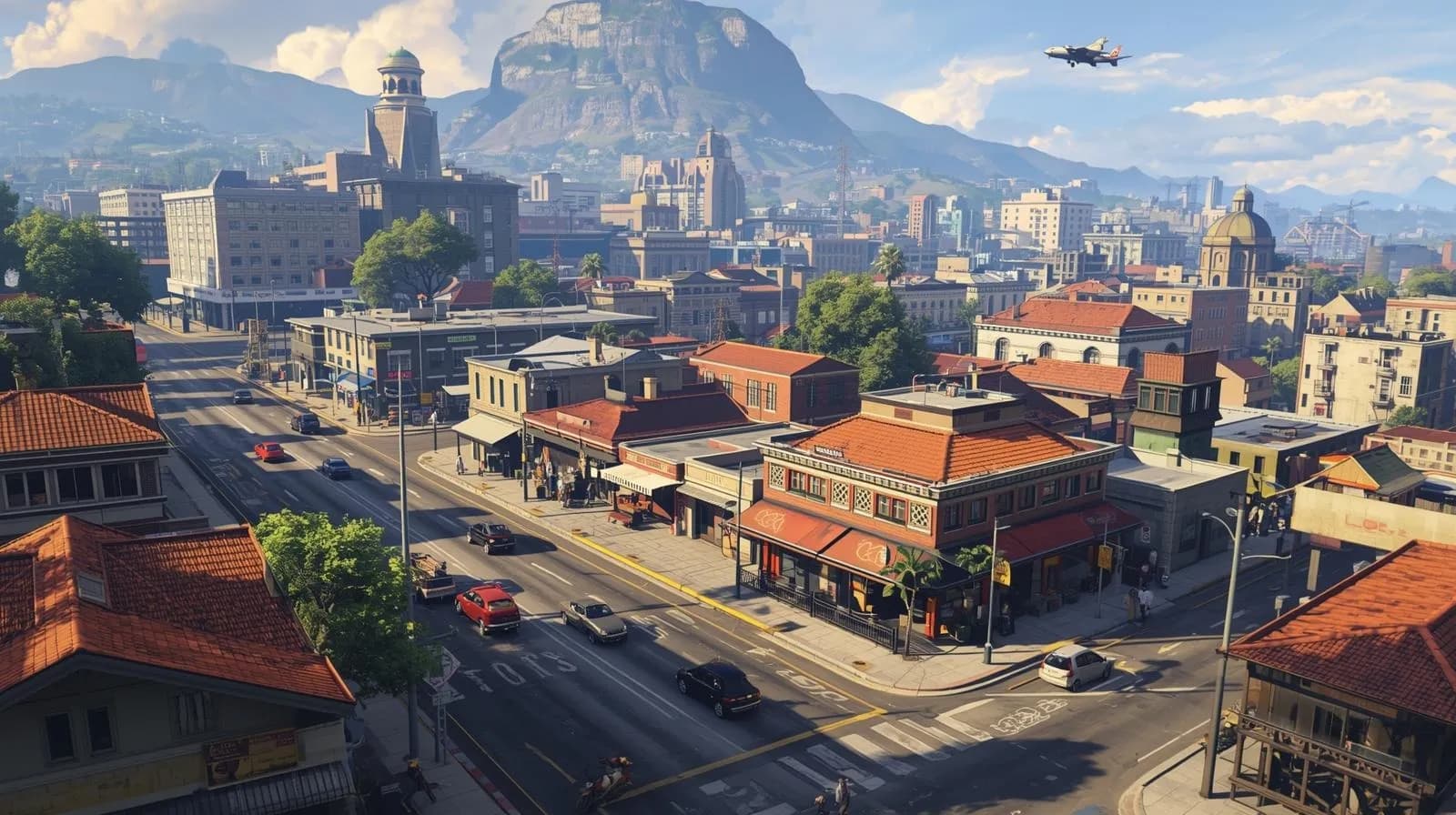
GTA Mzansi represents a collection of South African-themed modifications and roleplay servers built on the Grand Theft Auto V platform. Unlike generic GTA modifications, GTA Mzansi focuses specifically on recreating authentic South African experiences within the game world.
These modifications typically include:
- SAPS (South African Police Service) vehicle packs - Authentic police vehicles with correct liveries and equipment
- Minibus taxi mods - Toyota Quantum and other iconic SA taxis commonly seen on South African roads
- South African car packs - Popular vehicles from the SA market including VW Polo, BMW 3-Series, and local favorites
- Township and city maps - Custom environments recreating Johannesburg, Cape Town, Durban, and township areas
- FiveM roleplay servers - Multiplayer servers with SA-specific rules, economy systems, and community structures
- Scripts and uniforms - Custom clothing, police uniforms, EMS gear, and occupation-specific outfits
- Language and voice packs - South African English, Afrikaans, and indigenous language support
Why This Guide Follows Best Practices
This installation guide is written by experienced mod developers and FiveM server administrators who have tested these methods across multiple PC configurations. We've compiled installation procedures that minimize errors, maintain game stability, and protect your system from common pitfalls faced by first-time modders.
Our team has collectively installed GTA modifications on over 200 different systems, troubleshooting everything from file corruption to compatibility conflicts. The methods outlined here represent proven, safe practices used by the broader GTA modding community.
System Requirements Before Installation
Before attempting to install GTA Mzansi mods, verify your system meets these requirements:
Minimum Requirements:
- Operating System: Windows 10 64-bit (Version 1909 or newer)
- Processor: Intel Core i5-3470 @ 3.2GHz / AMD X8 FX-8350 @ 4GHz
- Memory: 8GB RAM
- Graphics: NVIDIA GTX 660 2GB / AMD HD 7870 2GB
- Storage: 72GB available space + 20GB for mods
- Internet: Broadband connection for FiveM servers
Recommended Specifications:
- Operating System: Windows 11 64-bit
- Processor: Intel Core i7-4770K @ 3.5GHz / AMD Ryzen 5 3600
- Memory: 16GB RAM
- Graphics: NVIDIA GTX 1060 6GB / AMD RX 580 8GB
- Storage: SSD with 100GB+ free space
Essential Software Requirements:
- ✅ Legitimate copy of GTA V (Steam / Epic Games / Rockstar Games Launcher)
- ✅ Latest GPU drivers (NVIDIA GeForce Experience or AMD Radeon Software)
- ✅ Microsoft Visual C++ Redistributables (2015-2022)
- ✅ .NET Framework 4.8 or higher
- ✅ 7-Zip or WinRAR for extracting mod archives
Step 1: Prepare Your GTA V Installation
A clean GTA V installation is critical for successful mod implementation. Many installation failures occur because users attempt to install mods on top of existing modifications or corrupted game files.
Remove Existing Mods (If Applicable):
- Navigate to your GTA V installation directory
- Delete any folders named
mods,scripts, orplugins - Remove any .dll or .asi files in the root directory (except Rockstar's original files)
- Delete
dinput8.dllandScriptHookV.dllif present
Verify Game File Integrity:
For Steam users:
- Open Steam Library
- Right-click Grand Theft Auto V
- Select Properties > Installed Files
- Click "Verify integrity of game files"
- Wait for verification to complete (typically 5-10 minutes)
For Epic Games users:
- Open Epic Games Launcher
- Go to Library
- Click the three dots next to Grand Theft Auto V
- Select "Verify"
For Rockstar Games Launcher users:
- Open Rockstar Games Launcher
- Select GTA V
- Click Settings (gear icon)
- Select "Verify Integrity"
Test Base Game:
After verification, launch GTA V and play for at least 5 minutes to ensure the game runs without crashes or errors. This baseline test helps identify whether issues are game-related or mod-related.
Step 2: Install FiveM (Multiplayer Framework)
FiveM is a multiplayer modification framework that allows custom servers to run without affecting your base GTA V installation. Most GTA Mzansi roleplay servers use FiveM because it offers superior customization and doesn't violate Rockstar's Terms of Service when used separately from GTA Online.
Why FiveM Is the Recommended Approach:
- ✅ Does not modify your original GTA V files
- ✅ Allows you to switch between modded and vanilla GTA V instantly
- ✅ Servers automatically stream custom vehicles and maps - no manual installation needed
- ✅ Active development and community support
- ✅ Compatible with both Steam and Epic Games versions
FiveM Installation Process:
- Visit the official FiveM website at
fivem.net - Click "Download Client" button
- Run the
FiveM.exeinstaller - The installer will automatically detect your GTA V installation path
- If detection fails, manually browse to your GTA V directory
- Allow FiveM to download required files (approximately 500MB-1GB)
- Link your Rockstar Social Club account when prompted
- Complete the setup wizard
First Launch Configuration:
When you first launch FiveM, it creates a separate application folder at %LocalAppData%\\FiveM\\FiveM.app. This folder contains:
- Cache: Temporarily stored server content
- Citizen: FiveM core files
- Logs: Error logs for troubleshooting
- Plugins: Optional FiveM extensions
Step 3: Install OpenIV (Mod Management Tool)
For users who want to install single-player mods directly into GTA V (not for online use), OpenIV is the industry-standard tool for managing GTA V modifications.
OpenIV Installation:
- Download OpenIV from the official website
- Run the installer with administrator privileges
- Select "Windows" as your platform
- Choose "Grand Theft Auto V" from the game list
- Browse to your GTA V installation directory
- Complete installation
Enable Edit Mode:
- Launch OpenIV
- Click "Tools" in the top menu
- Select "ASI Manager"
- Install ASI Loader and OpenIV.ASI
- Click the "Edit Mode" button in the toolbar
- Read and accept the warning
⚠️ Critical Safety Warning
Never use OpenIV or any single-player mods while connected to GTA Online. Rockstar's anti-cheat system will detect modified game files and permanently ban your account. Always ensure you're in Story Mode when using mods.
Create Mods Folder:
OpenIV's "mods" folder system protects your original game files:
- In OpenIV, go to Tools > Package Installer
- Or manually create a folder named
modsin your GTA V directory - Copy the
updatefolder from your GTA V directory into themodsfolder - All modifications will now affect files in
mods\\updateinstead of the original files
Step 4: Install ScriptHookV and Required Dependencies
ScriptHookV is a library that allows custom script mods to run in GTA V. Many GTA Mzansi features require ScriptHookV.
Installing ScriptHookV:
- Download ScriptHookV from the official developer website
- Extract the archive
- Copy these files to your main GTA V directory:
ScriptHookV.dlldinput8.dllNativeTrainer.asi(optional training menu)
Important Version Compatibility:
ScriptHookV must match your GTA V version. After GTA V updates, wait for the ScriptHookV developer to release a compatible version. Using mismatched versions causes instant crashes.
Step 5: Installing South African Vehicle Mods
Vehicle mods form the core of the GTA Mzansi experience. Here's how to properly install SAPS vehicles, taxis, and SA car packs.
Understanding Vehicle Installation Methods:
There are two primary methods:
- Add-On Method: Adds new vehicles without replacing existing ones (recommended)
- Replace Method: Replaces existing GTA V vehicles with modded versions
Installing Add-On Vehicles (Recommended):
- Download your desired vehicle pack (e.g., SAPS Police Pack)
- Extract the archive to find the vehicle folder
- Open OpenIV and enable Edit Mode
- Navigate to:
mods\\update\\x64\\dlcpacks - Copy the vehicle folder into dlcpacks
- Go to:
mods\\update\\update.rpf\\common\\data - Right-click
dlclist.xmland select "Edit" - Add a new line:
<Item>dlcpacks:\\yourpackname\\</Item> - Save and close
Installing SAPS Police Vehicle Pack:
SAPS vehicles require proper installation to function with police systems:
- Install the vehicle pack using the add-on method above
- Edit
carvariations.metato add police equipment - Add entries to
carcols.metafor sirens and lights - Test in-game by spawning vehicle with a trainer
Installing Taxi and Minibus Mods:
- Download Toyota Quantum taxi mod or similar SA taxi pack
- Follow add-on installation procedure
- If the mod includes a livery pack, install it to:
mods\\x64e.rpf\\models\\cdimages\\streamedpeds_players.rpf - Spawn taxis using a vehicle spawner or trainer menu
Step 6: Installing Map and Environment Mods
Custom maps transform Los Santos into South African cities and townships. Popular options include Johannesburg CBD recreations and township environments.
Map Installation Process:
- Download the map pack
- Ensure you have the latest version of OpenIV and ScriptHookV
- Navigate to:
mods\\update\\x64\\dlcpacks\\custom_maps\\ - Follow the map author's specific installation instructions
- Add map entry to dlclist.xml
- Some maps require Map Editor or Map Builder
Step 7: Joining GTA Mzansi FiveM Roleplay Servers
The easiest way to experience GTA Mzansi is through FiveM roleplay servers, which automatically stream all necessary mods.
Finding GTA Mzansi Servers:
- Open FiveM client
- Click "Browse Servers"
- Use search filters:
- Search terms: "South Africa", "Mzansi", "SA RP", "SAPS"
- Filter by language: English, Afrikaans
- Sort by player count for active communities
- Check server ping (aim for under 100ms for smooth gameplay)
Server Connection Process:
- Select your chosen server
- Click "Connect"
- FiveM will download required resources (first connection takes 5-15 minutes)
- Many servers require Discord verification - join their Discord server
- Read server rules carefully before playing
- Complete character creation process
Popular SA Roleplay Server Types:
- Strict RP Servers: Require in-character communication at all times
- Semi-RP Servers: Balance roleplay with casual gameplay
- Economy Servers: Focus on business ownership and money-making
- Gang RP Servers: Emphasize gang territories and conflict
Common Installation Errors and Solutions
Error: "Game Crashed During Startup"
Causes:
- Outdated ScriptHookV version
- Conflicting mods
- Corrupted game files
Solutions:
- Update ScriptHookV to match your GTA V version
- Remove recently installed mods one by one to identify conflicts
- Verify game files through your launcher
- Check for Windows updates and missing Visual C++ libraries
Error: "FiveM Connection Failed"
Causes:
- Network connectivity issues
- Server downtime
- Firewall blocking FiveM
- VPN interference
Solutions:
- Restart your router and PC
- Temporarily disable VPN services
- Add FiveM to Windows Firewall exceptions
- Clear FiveM cache:
%localappdata%\\FiveM\\FiveM.app\\data\\cache - Check server Discord for maintenance announcements
Error: "Mods Not Appearing In-Game"
Causes:
- Missing dlclist.xml entry
- Files placed in wrong directory
- Edit mode not enabled in OpenIV
Solutions:
- Verify dlclist.xml includes your mod entry
- Confirm files are in
modsfolder, not base game directory - Enable Edit Mode in OpenIV and rebuild updates
- Use a trainer to manually spawn modded vehicles and test
Error: "ERR_GFX_D3D_INIT"
Causes:
- Graphics driver issues
- DirectX problems
- Overclocked GPU instability
Solutions:
- Update GPU drivers to latest version
- Install DirectX End-User Runtime
- Lower graphics settings in GTA V
- Disable GPU overclocking temporarily
Best Practices for Safe and Stable Modding
Security Recommendations:
- ✅ Download mods only from trusted sources (GTA5-Mods.com, official Discord servers)
- ✅ Scan downloaded files with antivirus before extracting
- ✅ Read user reviews and comments before installing
- ✅ Avoid "free GTA Mzansi full game" scam websites
- ✅ Never download executable (.exe) files from unknown sources
- ✅ Keep your operating system and antivirus updated
File Management Best Practices:
- ✅ Create regular backups of your GTA V directory
- ✅ Document installed mods in a text file
- ✅ Test mods individually before combining multiple mods
- ✅ Keep a vanilla (unmodded) backup of GTA V
- ✅ Organize mod files in labeled folders
Performance Optimization:
- Limit total vehicle mods to 50-100 to avoid memory issues
- Use texture compression tools for large mod packs
- Monitor RAM usage - 16GB recommended for heavily modded setups
- Close background applications before launching modded GTA V
- Consider upgrading to SSD if using HDD for faster loading
Legal and Ethical Considerations
Understanding the legal landscape of GTA modding is crucial for responsible gaming:
What's Legal:
- ✅ Installing single-player mods on a legally owned copy of GTA V
- ✅ Using FiveM for custom multiplayer experiences separate from GTA Online
- ✅ Creating and sharing free mods for the community
- ✅ Downloading community-created content for personal use
What's Against Terms of Service:
- ❌ Using mods, cheats, or modifications in GTA Online
- ❌ Distributing pirated game files
- ❌ Selling mods that contain Rockstar's copyrighted assets
- ❌ Using mods to harass or disrupt other players
Rockstar Games Official Stance:
Rockstar Games generally tolerates single-player modding but prohibits any modifications to GTA Online. The company has issued DMCA takedowns against tools that facilitate GTA Online cheating but allows community mods for Story Mode.
Troubleshooting Advanced Issues
Issue: High RAM Usage Causing Crashes
Solution:
- Install Heap Adjuster and Packfile Limit Adjuster
- Edit
heap adjuster.inito increase heap size - Reduce texture quality in-game settings
- Remove unnecessary scripts and mods
Issue: Texture Pop-In and Streaming Problems
Solution:
- Move GTA V to an SSD if possible
- Increase Graphics Settings > Texture Quality to High (counterintuitive but helps streaming)
- Enable Windows High Performance power plan
- Close Chrome and other RAM-heavy applications
Issue: Server Connection Timeout on FiveM
Solution:
- Increase network timeout in FiveM settings
- Forward port 30120 in your router settings
- Disable Windows Defender Firewall temporarily to test
- Check with your ISP if they throttle gaming traffic
Maintaining Your Modded GTA V Installation
Regular Maintenance Tasks:
- Weekly: Check for ScriptHookV updates after GTA V patches
- Monthly: Clean cache files to free up disk space
- After Updates: Test base game before enabling mods
- Before Major Updates: Backup your entire GTA V folder
Mod Update Management:
Keep track of mod versions to avoid compatibility issues:
- Subscribe to mod creators on GTA5-Mods.com for update notifications
- Join Discord servers of major mod projects
- Read changelogs before updating to understand changes
- Test updated mods in isolated environments first
Building a South African Roleplay Experience
Beyond technical installation, creating an authentic GTA Mzansi experience involves curating content:
Recommended Mod Combinations:
- For Police RP: SAPS vehicle pack + Police uniform pack + LSPDFR mod + SA radio stations
- For Civilian RP: SA car pack + Township map + Taxi company script + Economy mods
- For EMS/Medical RP: SA ambulance mods + Hospital interiors + Medical uniforms
- For Gang RP: Gang territories mod + Custom clothing + Weapon packs + Drug dealing scripts
Community Resources and Support
Connect with other GTA Mzansi players and modders:
Where to Find Help:
- Discord Servers: Join SA roleplay community servers for troubleshooting help
- Reddit: r/FiveM and South African gaming subreddits
- YouTube: Tutorial channels specializing in GTA mods
- Forums: GTA5-Mods.com forums and FiveM documentation
Contributing to the Community:
If you develop skills in modding:
- Share your installation experiences to help others
- Create tutorials for complex procedures
- Report bugs to mod creators
- Consider learning 3D modeling to create SA-specific content
- Donate to mod creators who provide free content
Future of GTA Mzansi Modding
The GTA Mzansi modding scene continues to evolve with advancing technology:
Upcoming Developments:
- RedM: Red Dead Redemption 2 equivalent of FiveM may enable historical SA settings
- AI-Generated Content: Machine learning tools creating custom SA buildings and assets
- VR Integration: Virtual reality support for immersive township experiences
- GTA 6 Preparations: Community discussing mod possibilities for next-gen GTA
Frequently Asked Questions
Is GTA Mzansi completely free to play?
GTA Mzansi mods themselves are free, but you must own a legitimate copy of Grand Theft Auto V, which is a paid game. The base game costs vary by platform (Steam, Epic Games, Rockstar Launcher) but is typically between $20-$30 USD during sales.
Can I play GTA Mzansi on PS4, PS5, Xbox, or mobile devices?
No. GTA Mzansi mods are exclusively available on PC. Console manufacturers (PlayStation, Xbox) do not allow third-party modifications to games. Mobile versions do not exist for official GTA V, only for older GTA titles.
Will mods get me banned from GTA Online?
Yes, using any mods while connected to GTA Online will result in a permanent ban. Rockstar's anti-cheat system detects modified game files. Always use mods only in Story Mode or on FiveM servers, which are completely separate from GTA Online.
How much storage space do GTA Mzansi mods require?
Base GTA V requires approximately 72GB. Mods can add 10-30GB depending on the number of vehicle packs, maps, and scripts installed. We recommend having at least 100GB free space, preferably on an SSD for best performance.
What happens when GTA V receives an official update from Rockstar?
After official GTA V updates, ScriptHookV will stop working and cause crashes until the developer releases an updated version. This typically takes 1-3 days. Always backup your game before updates and wait for mod compatibility confirmation before updating.
Can I monetize GTA Mzansi content on YouTube or Twitch?
Yes, you can monetize gameplay videos and streams of modded GTA V content, including GTA Mzansi. Rockstar Games allows content creators to monetize GTA content. However, ensure you comply with YouTube/Twitch community guidelines and don't promote cheating in GTA Online.
Is it safe to download mods from random websites?
No. Only download mods from reputable sources like GTA5-Mods.com, official Discord servers, or verified community creators. Unknown websites may distribute malware disguised as mods. Always scan downloads with antivirus software and read user reviews before installing.
Do I need coding knowledge to install GTA Mzansi mods?
No coding knowledge is required for basic mod installation. Following this guide's step-by-step instructions is sufficient. However, advanced customization (creating custom vehicles, scripts, or maps) does require programming skills in Lua, C#, or 3D modeling.
What's the difference between FiveM and regular modding?
FiveM creates multiplayer servers separate from GTA Online, automatically streaming mods to players who join. Regular modding modifies your local GTA V installation for single-player use. FiveM is easier and safer because it doesn't modify original game files and allows instant switching between vanilla and modded gameplay.
Can I play with friends using GTA Mzansi mods?
Yes, through FiveM servers. Join the same FiveM server as your friends, and you'll all experience the same mods automatically. For single-player mods without FiveM, multiplayer is more complex and requires additional mods like GTA:Network (less stable).
Final Thoughts: Building Your GTA Mzansi Experience
Installing GTA Mzansi mods successfully requires patience, attention to detail, and following established procedures. The modding community has refined these processes over thousands of installations, and this guide represents the most stable, safest approach.
Key takeaways for success:
- ✅ Start clean - Always begin with verified, unmodded GTA V files
- ✅ Use FiveM for roleplay - It's the easiest and safest multiplayer option
- ✅ Back up everything - Protect your time investment with regular backups
- ✅ Test incrementally - Add mods one at a time to isolate issues
- ✅ Stay updated - Keep ScriptHookV current with GTA V versions
- ✅ Respect copyright - Only use legitimate game copies and free community mods
- ✅ Never mod Online - Keep modded content entirely separate from GTA Online
The South African GTA modding community continues to grow, creating increasingly sophisticated content that authentically represents Mzansi culture. By following this guide, you're not just installing software - you're joining a creative community bringing South African experiences to the global gaming stage.
✅ Installation Checklist Summary
- Verify system meets minimum requirements
- Own legitimate GTA V copy
- Clean install or verify game files
- Install FiveM for multiplayer
- Install OpenIV for single-player mods
- Install ScriptHookV and ASI Loader
- Create mods folder structure
- Install vehicle packs via add-on method
- Test in Story Mode before playing
- Join FiveM server or configure single-player
About the Author: This guide was compiled by the GTA Mzansi Technical Team, consisting of experienced mod developers, FiveM server administrators, and community moderators with over 5 years of combined experience in GTA V modding. Our team has assisted hundreds of players in successfully installing and troubleshooting GTA Mzansi modifications.